











The Sokabet mobile app brings the sportsbook experience to your phone, letting you place bets, check live scores, manage your account, and make deposits without opening a browser. For players in Tanzania, the app is a direct way to stay connected to the platform whether you are at home, commuting, or watching a match live.
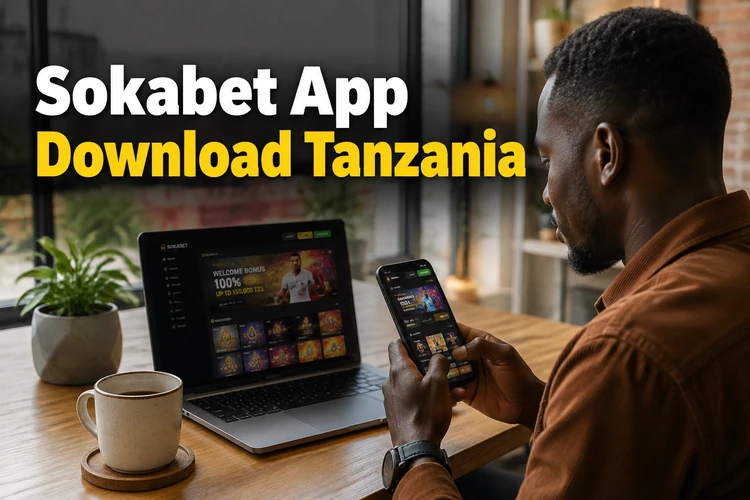
The app is designed for Android devices and is distributed as an APK file through the official website at sokabettz.com. There is no listing on the Google Play Store, so the download comes from the site directly. iPhone users can use the mobile browser version, which is optimised for Safari and Chrome on iOS.
Why Use the Sokabet App
The dedicated app can load faster than a standard mobile browser tab, especially on slower data connections common in parts of Tanzania. Because the interface is built for touch screens, navigation between sports markets, live events, and your bet slip feels more fluid than pinching and zooming a desktop layout.
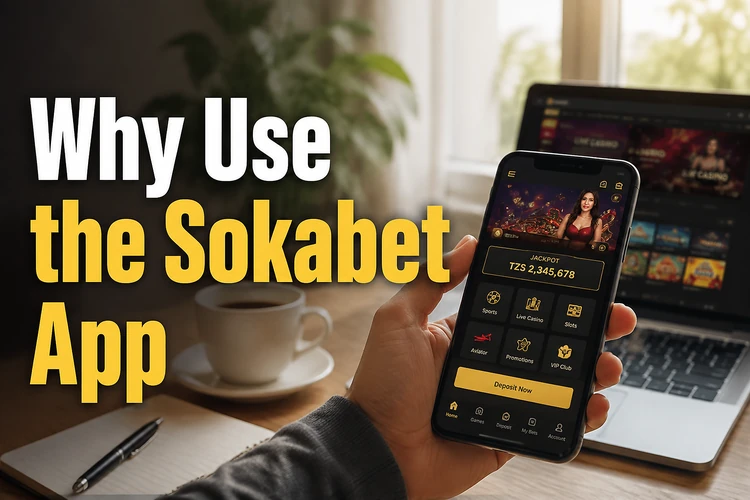
Notifications are another practical advantage where they are supported. The app may alert you about account activity, match updates, or relevant offers, and you can adjust preferences from the account settings. Keep only the alerts you actually need so the app stays useful rather than distracting.
How to Download the Sokabet App
Go to sokabettz.com on your Android phone and look for the app download link, usually placed on the homepage or in the main menu. Tapping it starts the APK file download directly to your device. If your data bundle is limited, use Wi-Fi or check the file size before downloading.
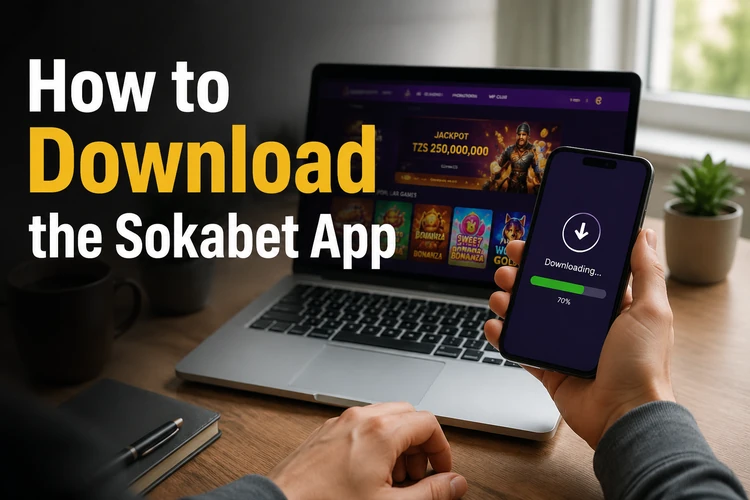
Always use the official website as your source. Third-party sites that host APK files have no reliable quality control, and a modified file could put your account details or payment information at risk. The official file is the version intended to receive genuine updates and security fixes from Sokabet.
Installing the APK on Android
Android blocks installation of apps from outside the Play Store by default. This is a safety setting, not a sign that something is wrong with the file. You need to allow your browser or file manager to install unknown apps before the APK will run. The exact path varies by Android version, but it is usually found under Settings, then Security or Privacy, then Install unknown apps.
- Step 1: Download the APK from sokabettz.com.
- Step 2: Open your notifications panel and tap the downloaded file, or find it in your Downloads folder.
- Step 3: When prompted, allow your file manager or browser to install apps from unknown sources.
- Step 4: Tap Install and wait for the process to complete.
- Step 5: Open the app and log in to your account, or register if you are a new user.
Once installed, you can disable the unknown sources permission again if you prefer. The app will continue to work normally; that setting affects installation, not day-to-day use after the app is on your device.
Users on iPhone and iOS
Apple does not allow APK files because that format is exclusive to Android. There is no Sokabet app currently available through the App Store. If you are using an iPhone or iPad, the practical alternative is the mobile website, which you can open in Safari or Chrome and add to your home screen for quick access.
Adding a site to your iOS home screen takes about three taps: open the page in Safari, tap the share icon at the bottom of the screen, then choose Add to Home Screen. The shortcut behaves much like an app icon and opens the site quickly. Many core features, including betting, live events, deposits, and account management, can be used through the mobile browser.
What You Can Do Inside the App
The app covers the main areas of the Sokabet platform. On the sports side, you get access to pre-match markets across football, basketball, tennis, and other disciplines offered to Tanzanian customers. Live betting is available for ongoing matches, with odds updating as events develop.

Account features include depositing and withdrawing funds, viewing bet history, checking active coupons, and updating profile details. The bonuses section is also accessible from within the app, so you can review available offers without switching to a desktop browser. Notifications for match results, account activity, and promotions can be configured from the settings menu.
Keeping the App Up to Date
Because the Sokabet app is not distributed through the Play Store, it may not update automatically. You should check for a newer APK on sokabettz.com from time to time and install it over the existing version. The installation process is the same as the first time: download, allow installation from unknown sources if needed, and run the file.
Running an older version can cause problems. The app may behave unexpectedly after a server update, certain screens may stop loading, or you may see error messages at login. Checking for updates once a month is a reasonable habit for most users, and you should also update if the site specifically prompts you to do so.
Common Installation Problems
If the APK fails to install, the most common causes are simple: the unknown sources permission was not enabled for the correct app, or there is not enough free storage on the device. Your browser and file manager are separate apps, so Android may ask for the permission from either one. Check both before trying again.
If the app installs but will not open, or crashes immediately, restart your phone before reinstalling. If login fails after a fresh install, confirm that your internet connection is stable and that you are using the correct credentials. Slow performance is often a network issue; switching from mobile data to Wi-Fi, or vice versa, can help. If problems persist after an update, uninstall the app, download the latest APK again, and reinstall it from the official site.
FAQ
Visit sokabettz.com on your Android phone and tap the app download link. This starts the APK file download directly to your device. No third-party store or site is needed.
The APK from the official website at sokabettz.com is the safest source to use. Files from other sources may be modified, so avoid downloading the app from unknown APK sites.
Yes. Android supports APK installation outside the Play Store. You need to allow installation from unknown sources for the browser or file manager used to open the downloaded file.
There is currently no App Store version of the Sokabet app. iPhone and iPad users can access the platform through the mobile browser and add the site to the iOS home screen for quicker access.
Download the latest APK from sokabettz.com and install it over your existing version. The process is similar to the first installation, and your account activity remains tied to your login.
Make sure the unknown sources permission is enabled for the exact app you used to open the file. Also check available storage, restart the phone, and download the APK again from the official site if the file may be incomplete.