











This guide explains how to access your betting account on Sokabet. It covers first-time registration, regular sign-in, password recovery, mobile access, and practical checks when the login form does not work as expected.
Sokabet can be accessed from a desktop browser, a mobile browser, or an Android device. Before starting, keep the phone number or username connected to the account available, and make sure the device has a stable internet connection.
How to Log In to Sokabet
Open the official website in your browser and select Login from the homepage. The sign-in form normally asks for the phone number or username registered to the profile, followed by the account password.
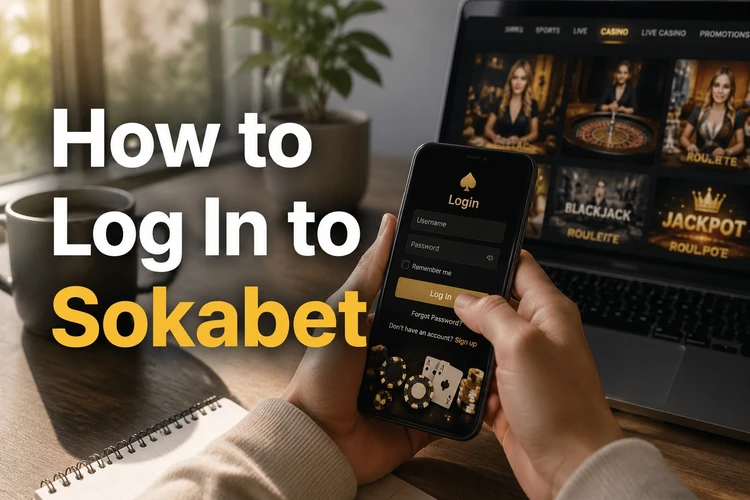
- Enter the registered phone number or username without extra spaces.
- Type the password exactly as it was created, including capital letters and symbols.
- Check the details once, then press Login to submit the form.
After successful authentication, the account area should open. You can then review the balance, account settings, and betting activity. If the form rejects the details, do not keep guessing repeatedly; use the recovery option or check the common causes below.
How to Register a New Account
To create a new profile, open the homepage and choose the registration option. The form may request a phone number and other basic details. Use information that belongs to you, because it may be needed for account verification or later support requests.
Create a password that is difficult to predict and does not reuse a password from email, social media, or another betting service. The platform may send a verification code by SMS. Enter the code carefully and wait for confirmation before closing the page.
Keep the registration details in a secure password manager rather than an exposed note or chat message. Do not create a second profile simply because the first one is difficult to access; recover the original account or use the contact page to ask for help.
Logging In Through the Mobile App
The Android app, where available from the official source, uses the same account credentials as the browser version. Open the app, choose the sign-in option, and enter the phone number or username together with the password.
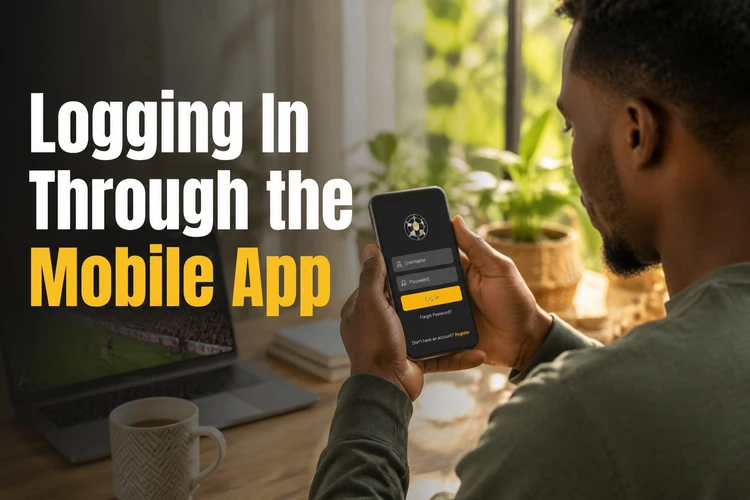
Only install an APK if it is supplied through a source you trust and the download page is clearly official. Avoid files sent through unsolicited messages. Keep Android and the app updated, and review the permissions requested during installation instead of accepting unfamiliar access automatically.
| Access method | What you need | Useful check |
|---|---|---|
| Browser | Current browser, username or phone number, password | Clear old cache if the page behaves incorrectly |
| Android app | Compatible device, internet connection, account credentials | Use the current official version and check app permissions |
Mobile data and Wi-Fi can both work, but an unstable connection may interrupt authentication. If the app does not open or the layout is broken, try the mobile browser and check whether an update is available before reinstalling anything.
How to Recover Your Password
Use password recovery when you cannot remember the current password or repeated attempts are being rejected. On the login page, select Forgot password? and enter the phone number linked to the account.
A verification code may be sent by SMS. Enter the code only on the genuine recovery form, then create a new password that is different from recent passwords. Never forward the code to another person, including someone claiming to be support.
If the message does not arrive, check the number, phone signal, SMS storage, and network connection. Requesting several codes in quick succession can create confusion if older codes expire. If recovery still fails, contact support with enough information to identify the account, but do not send your password.
Common Login Problems and Solutions
The most common cause of a failed sign-in is a typing error. Check the phone number, username, keyboard language, capital letters, and spaces before trying again. Password managers can help avoid mistakes, but confirm that the saved entry belongs to the correct account.
A browser cache or outdated app can also interfere with the login screen. Try a private browser window, clear cached site data, or update the app from its trusted source. Do not download replacement software from an unknown link simply because the normal page is slow.
Connection problems may cause a timeout even when the credentials are correct. Switch between Wi-Fi and mobile data, then reload the page once the connection is stable. Temporary maintenance can produce similar errors, so waiting and trying again later may be safer than repeated submissions.
Several incorrect attempts can trigger a temporary security lock. Stop guessing, wait for any stated lock period, and use password recovery or customer support if access does not return.
Security Tips for Your Betting Account
Use a unique password for Sokabet and keep it private. A password manager can create a long random password and store it securely, reducing the temptation to reuse a familiar phrase.
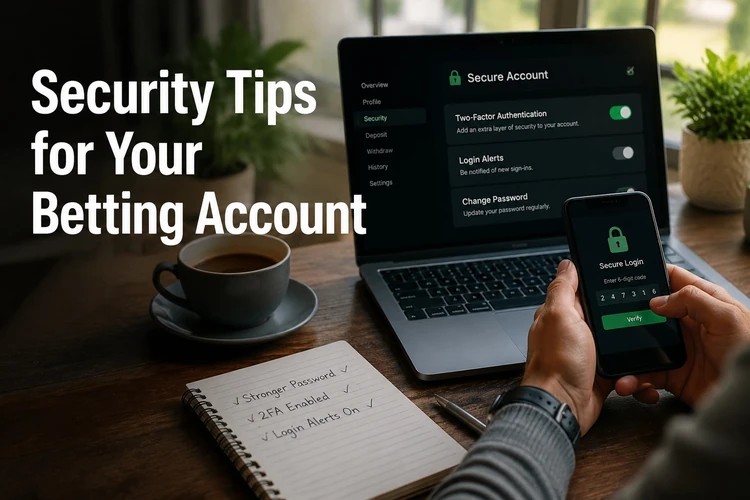
Sign out after using a shared computer, especially in an internet cafe or workplace. Do not save passwords in a public browser, and clear autofill data if other people can use the device.
Be alert for phishing. Check the website address before entering credentials, avoid login links in unexpected messages, and do not disclose an SMS verification code. The genuine support process should not require your password.
If the platform offers extra verification in your account settings, enable it where practical. Keep your phone number and recovery details current, and follow responsible gambling limits. Only adults aged 18+ should participate, and personal account information should never be shared with another player.
FAQ
Open the official website or the trusted Android app, select Login, and enter the phone number or username connected to your account with the correct password. Check the details carefully before submitting the form.
Select Forgot password? on the login page, enter the phone number linked to the account, and follow the verification steps. Use the SMS code only on the genuine recovery form and create a new, unique password.
If the Android app is currently offered for your location, download it only from the official source and use your existing account credentials. A mobile browser is an alternative when the app is unavailable or incompatible with the device.
Choose the registration option on the homepage, provide the requested personal details, create a secure password, and verify the phone number if an SMS code is sent. Use information that belongs to you and keep the account details private.
Check the phone number or username, password, connection, browser cache, and app version. Several failed attempts may cause a temporary lock. If recovery does not work, contact support without sharing your password or verification code.
Users in Tanzania should check the official website for current availability, registration requirements, and any applicable local conditions. Access may depend on the service status, accepted phone numbers, and the rules shown during registration. Only users aged 18+ should participate.